
Docs menu
Build a scenario
Scenario file Generators vars and const Time and pace Defaults Relationships Schedules Instances Lifecycle Collections Connections Delivery behaviorStudio
Workspace and editor
Goal: keep every Open, Save, and New inside the folder you passed to studio, then edit YAML or JSON with the same compiler the CLI uses.
The workspace folder
--folder is the sandbox. The toolbar shows it as a gray /folder label next to Seed. The file dropdown lists .yaml, .yml, and .json files under that folder only. There is no OS file or folder picker.
Launch from sample or run with --with-studio and the workspace is the scenario’s parent directory. Flags: studio.
Empty folder
If the folder has no scenario files yet, the editor shows a short empty state instead of Monaco.
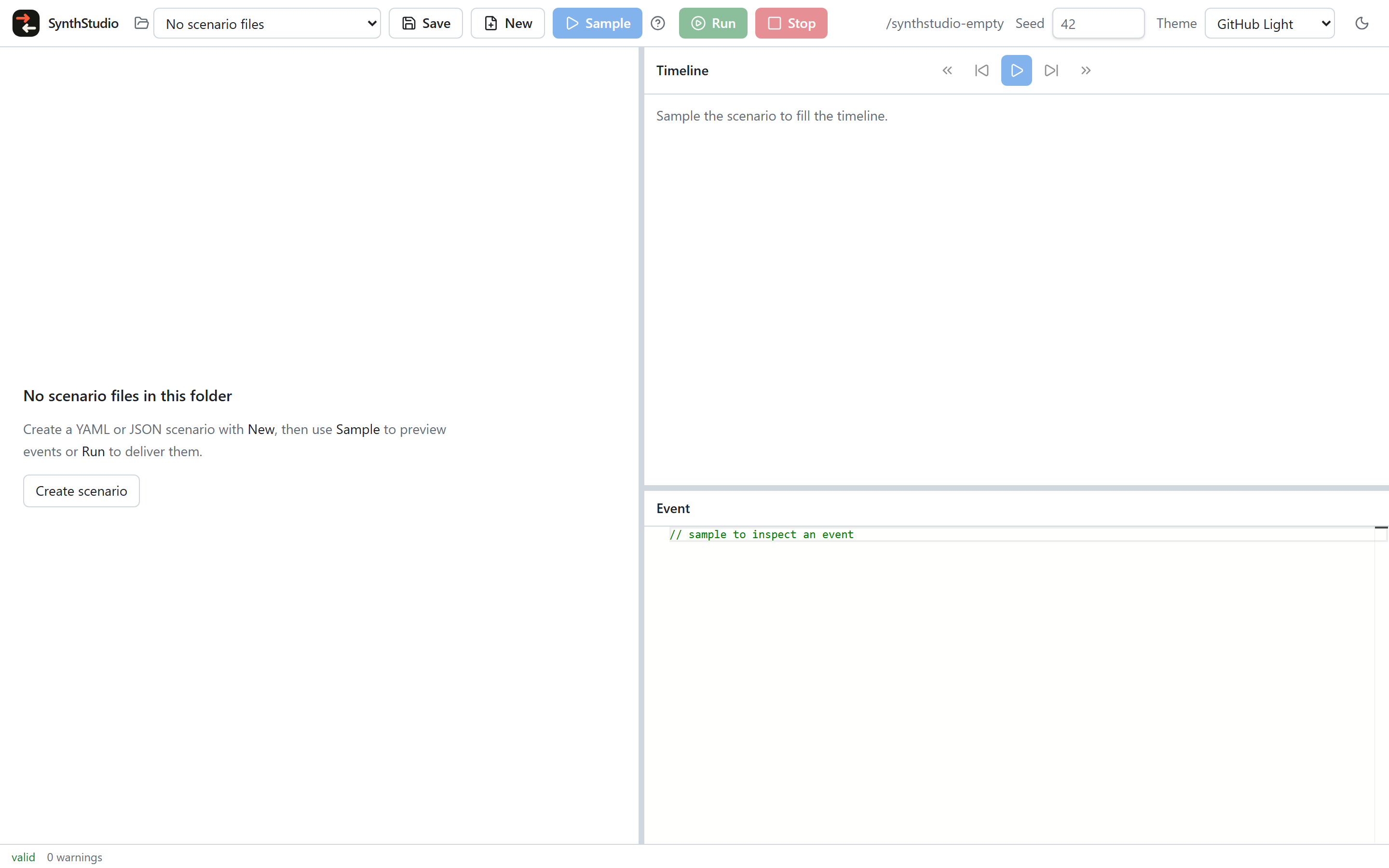
Create scenario (or New in the toolbar) reveals a name field. Enter a .yaml, .yml, or .json name. Existing names are rejected — New never overwrites. If the editor already has unsaved text and no file is open, that text is kept; otherwise the new file starts empty.
Open, Save, and unsaved buffers
Choose a file from the dropdown. Unsaved changes show a • on the selected name and an unsaved label.
Save writes the open file under the workspace folder. With no file open, Save asks for a name (save-as) and writes the current editor buffer. Closing the browser tab with a dirty buffer warns first.
Sample and Run work on an unsaved buffer as well as a saved file.
Completions
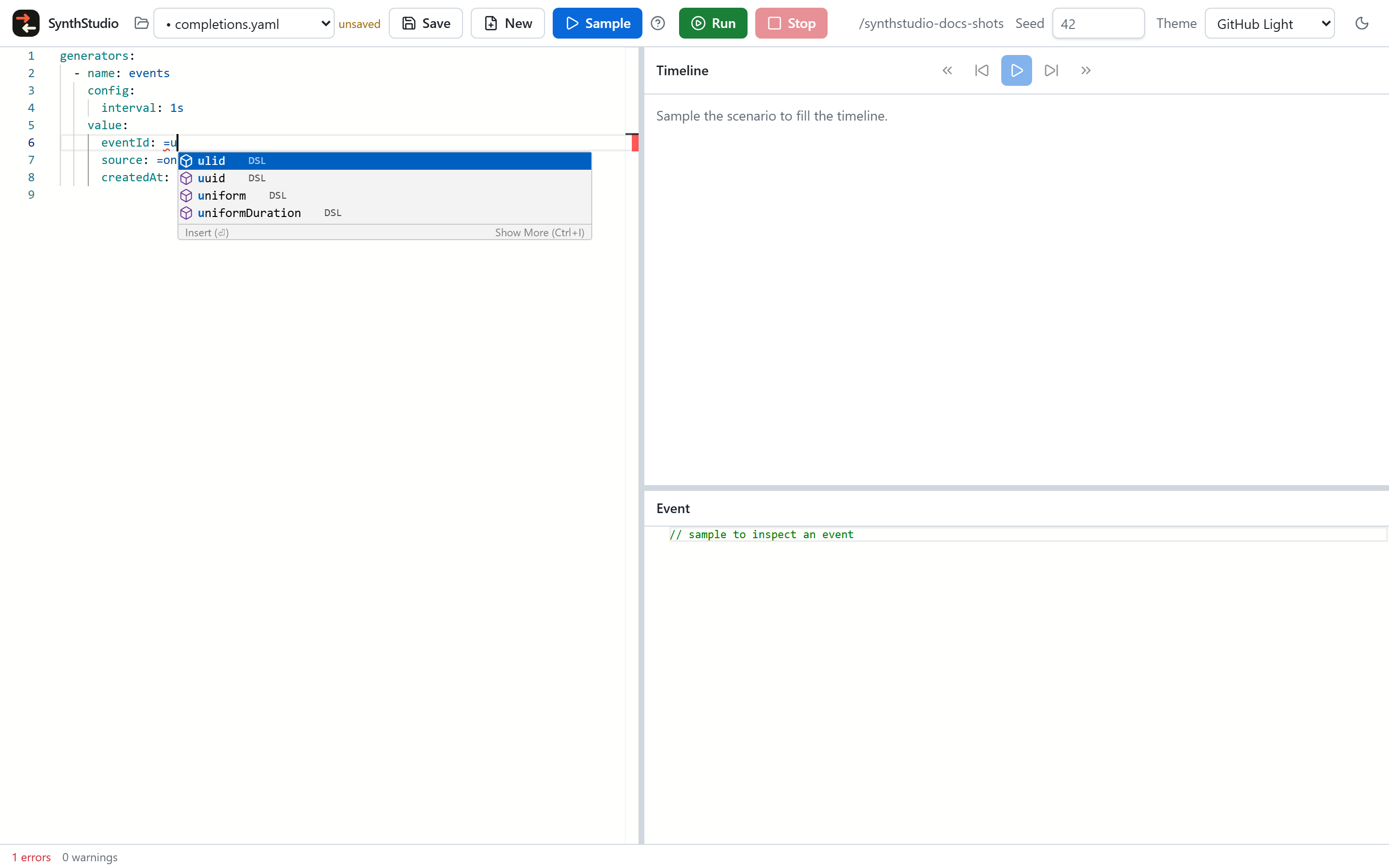
Completions come from the scenario schema plus function and faker catalogs from the engine. Press Ctrl+Space (Cmd+Space on macOS) when the list does not appear on its own.
Start a field with = to see functions. Schema keys appear on object fields such as config and value. Hover a token for a short description. Schema completion is not a substitute for compiler validation.
generators:
  - name: events
    config:
      interval: 1s
    value:
      eventId: =uuid()
      source: =oneOf(web, mobile, api)
      createdAt: =now(format=RFC3339Milli)
Type =u under value and complete uuid. Type =faker( to complete a faker path.
Diagnostics
Validation runs as you type once the editor has non-empty text. A blank buffer stays quiet — no EOF diagnostic.
Markers map compiler ST codes onto the smallest identifiable source token. Marker hover and the diagnostics panel include the code, configuration path, and message.
The footer shows valid or N errors, plus a warning count. Click either to open the panel. Click a row to jump to that line.
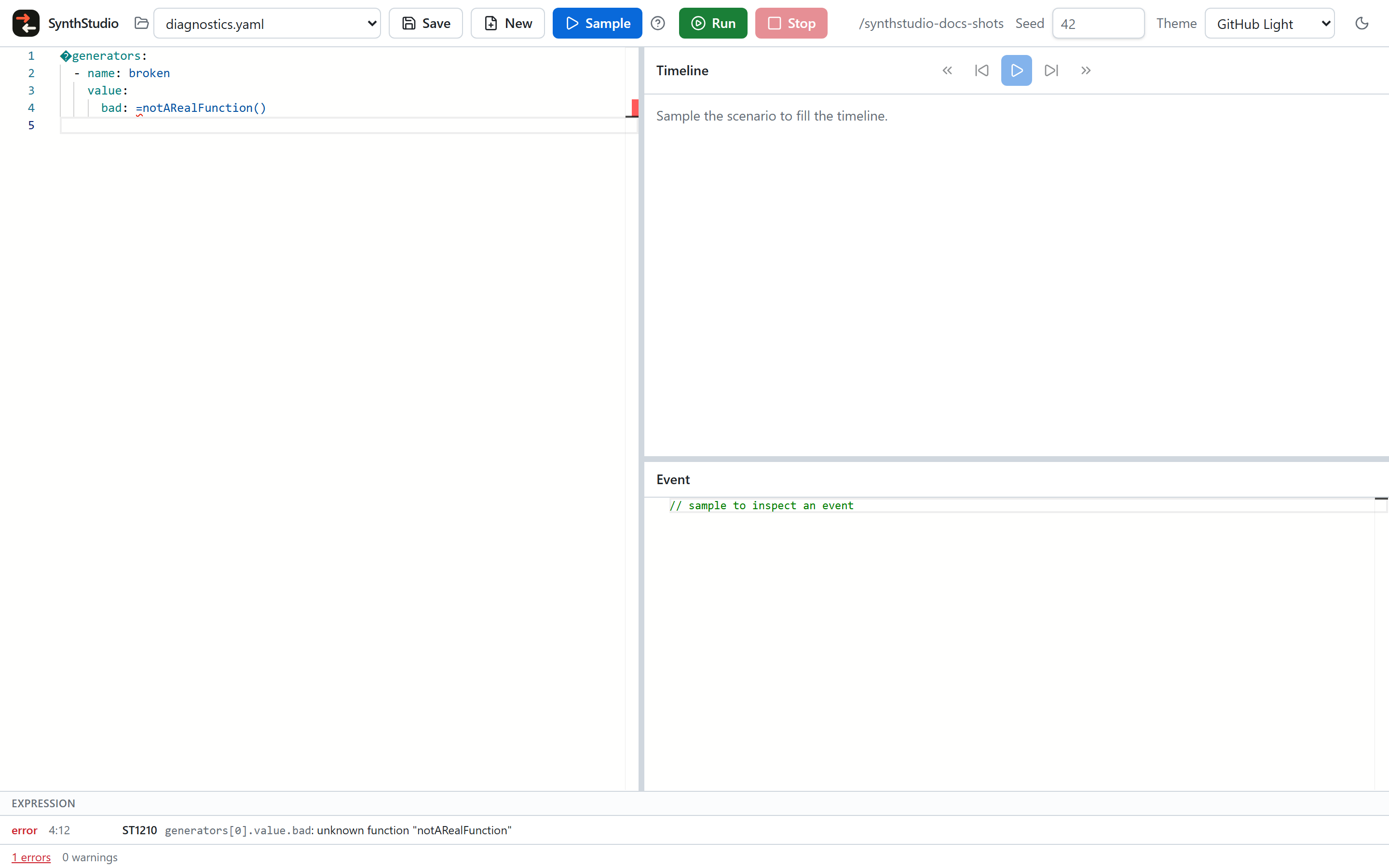
Codes and families: Diagnostics.
Themes
Pick a family from the toolbar Theme menu (GitHub or VS Code Light+/Dark+). The moon/sun control flips light and dark within that family. The choice is stored in the browser. Monaco, the timeline, and form controls follow the active appearance.